FrogPaper for Windows
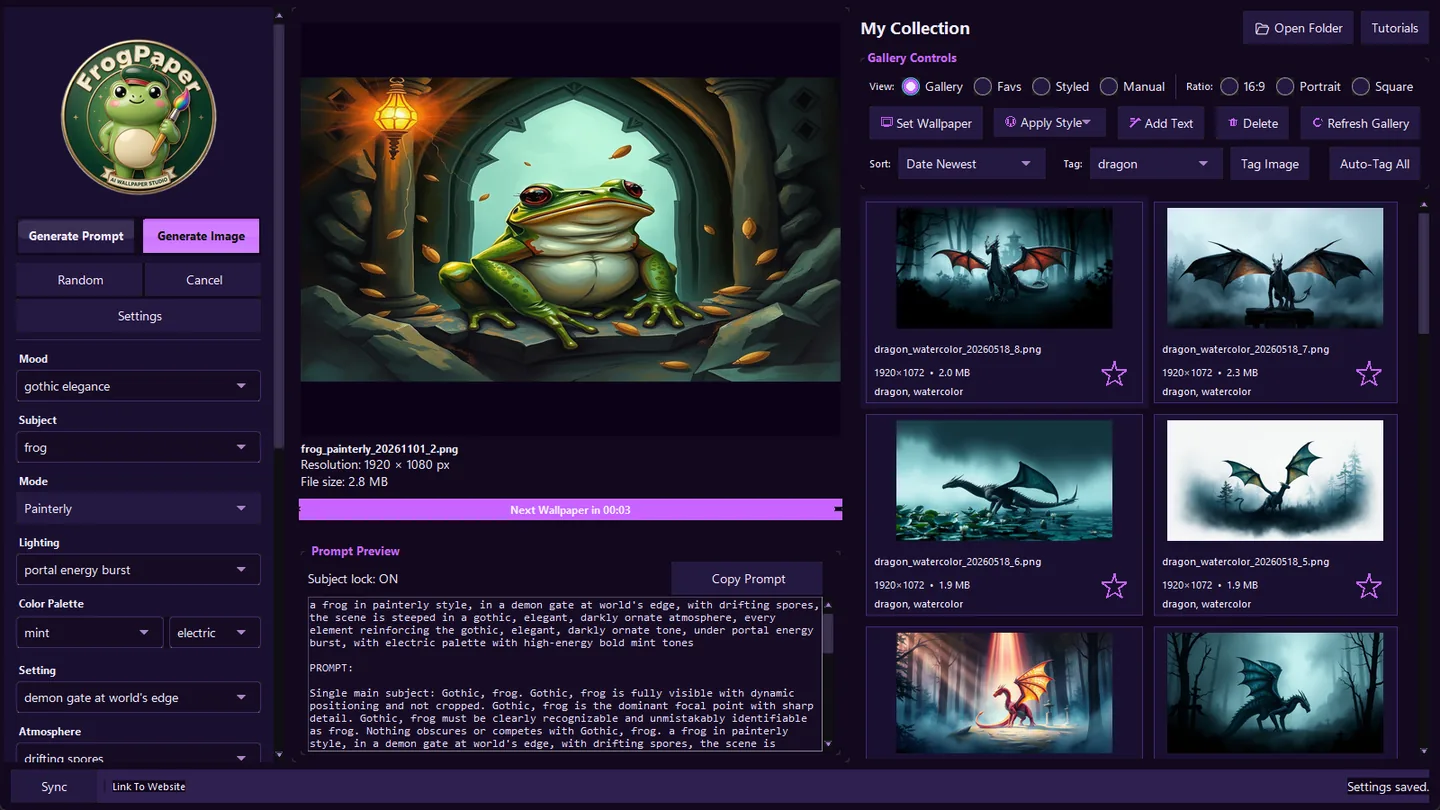
Your full desktop studio: six AI providers, 25 style filters, a fast gallery and optional cloud sync.
A little frog. Endless possibilities.
Meet FrogPaper, your cozy, frog-themed AI wallpaper studio for Windows and Android. Turn a few words into a world of your own — then make it your wallpaper.
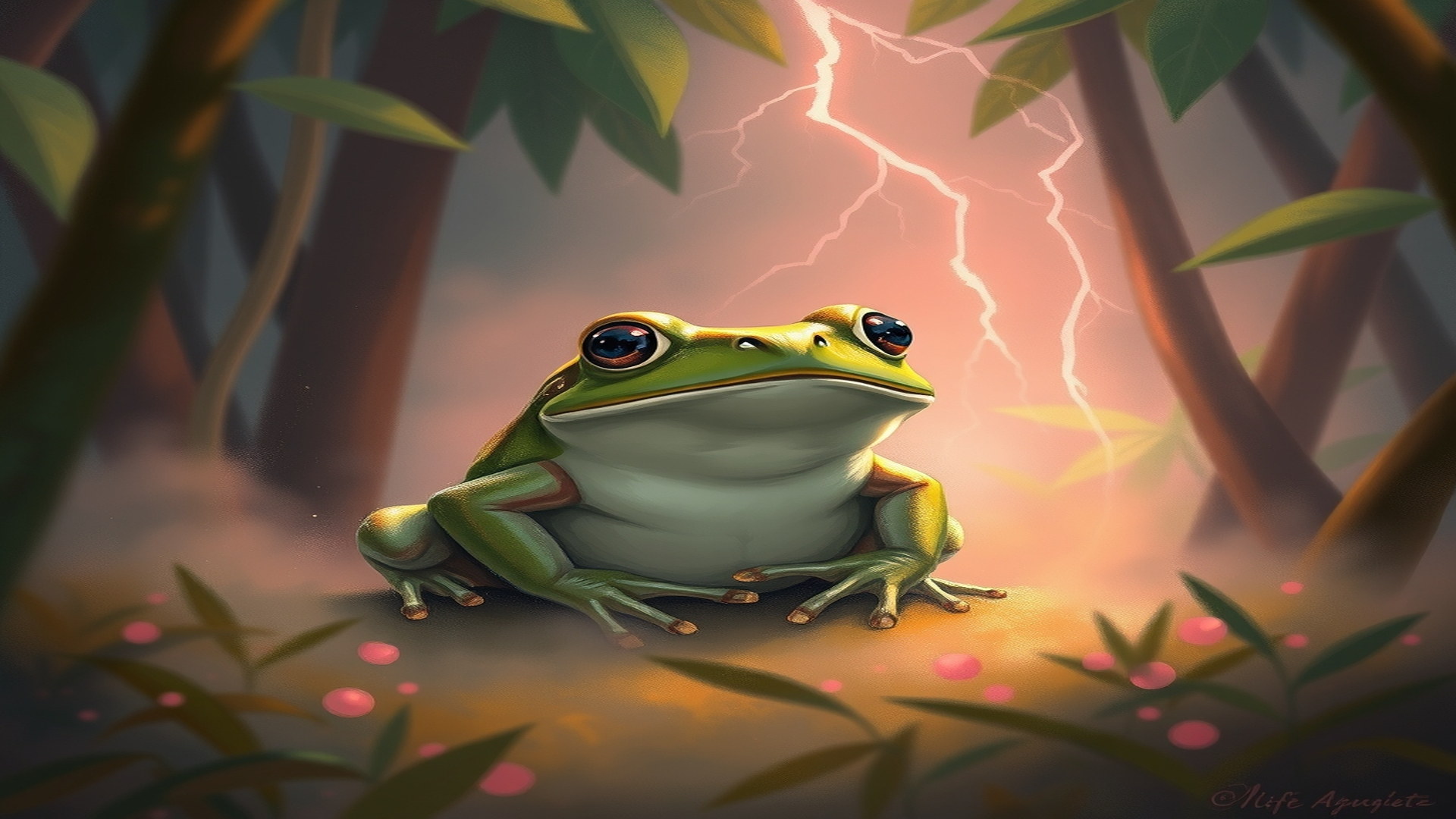
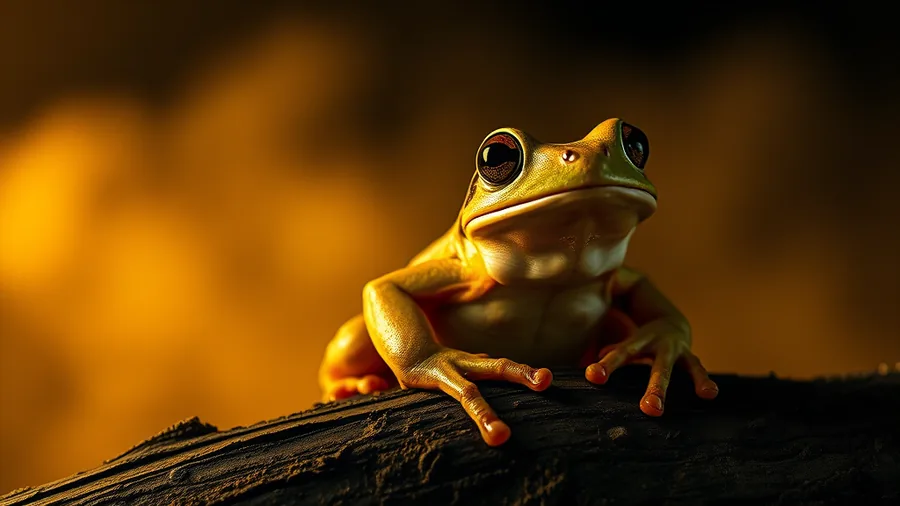
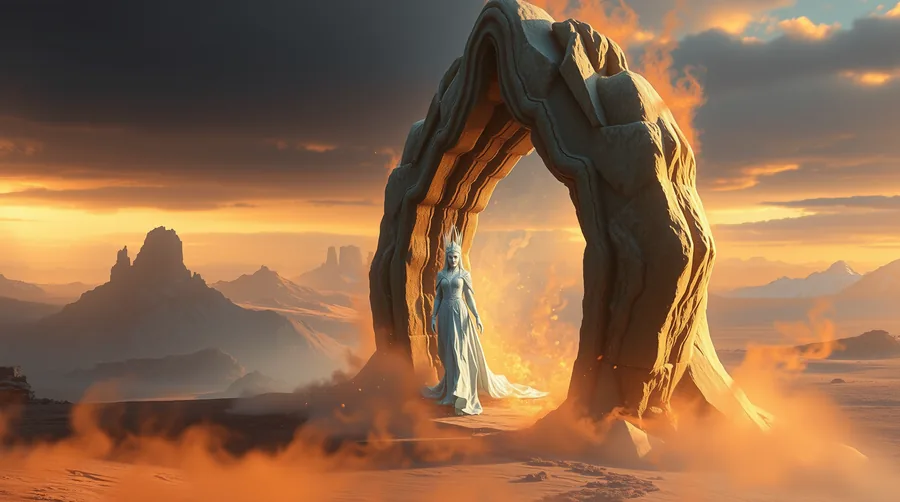
Storm Frog · made with FrogPaper
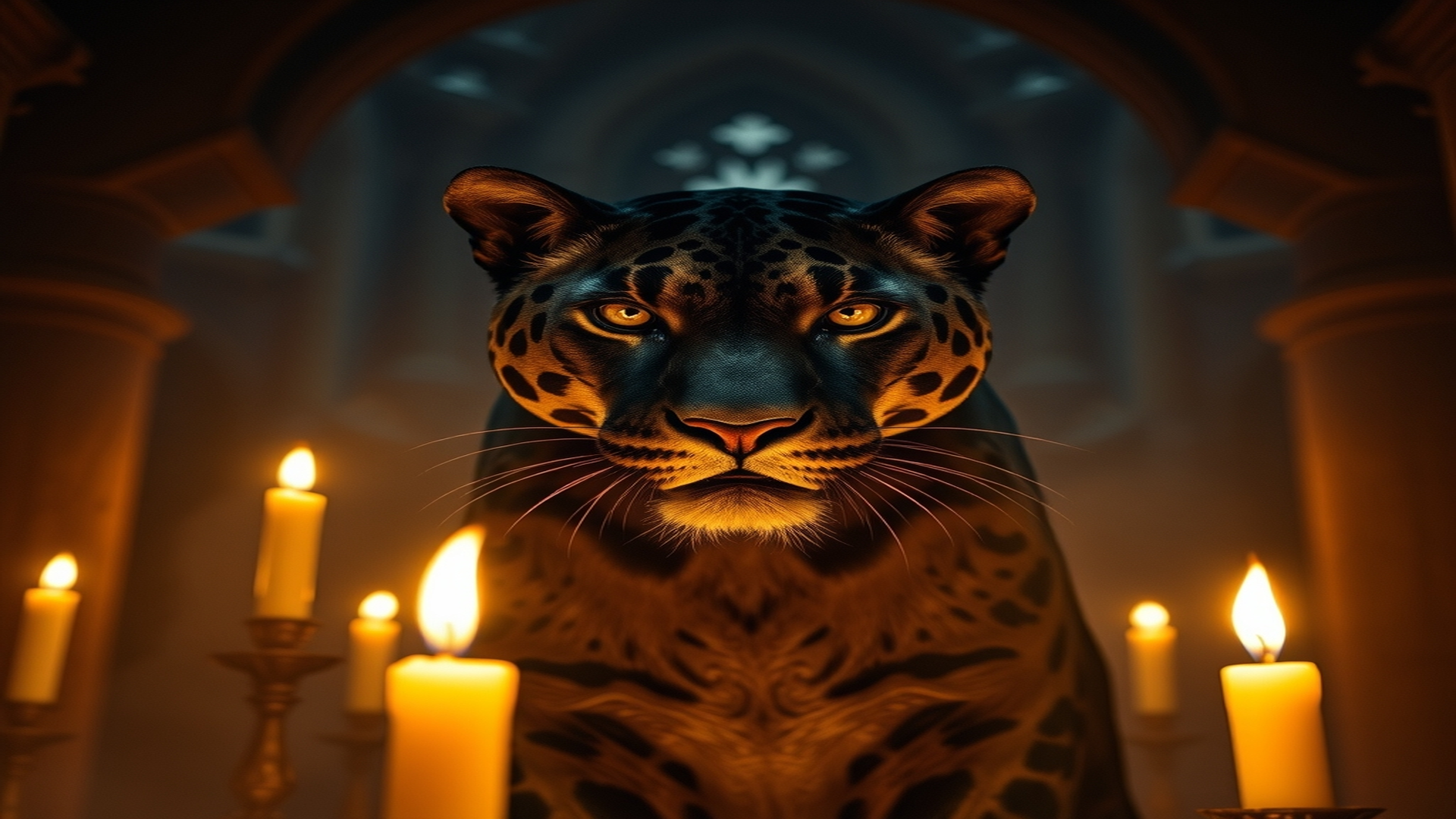
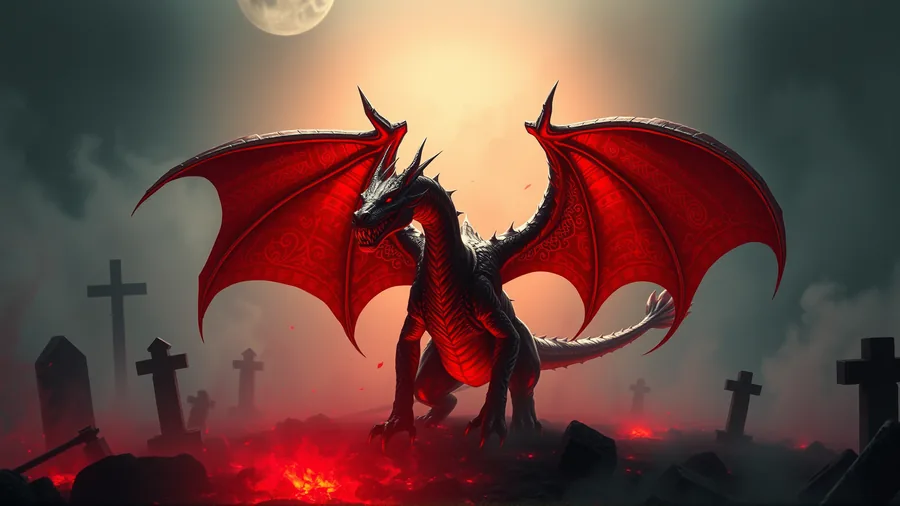
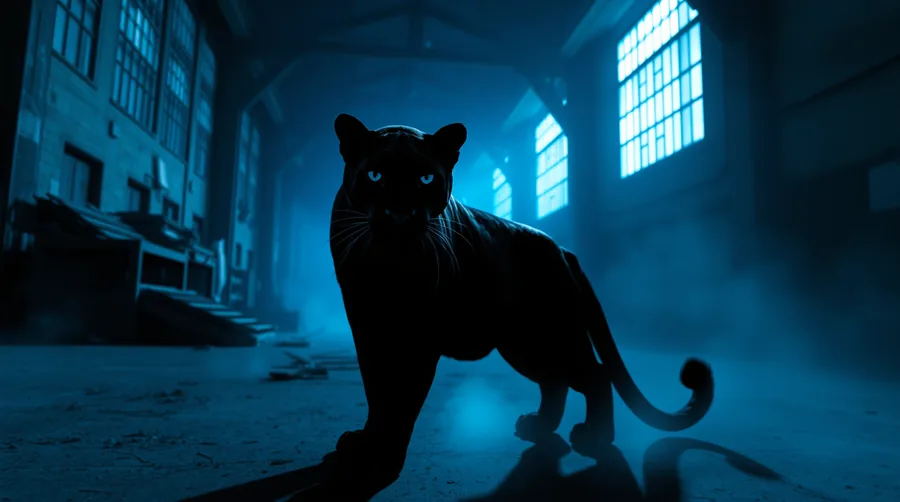
Candlelight Panther · made with FrogPaper
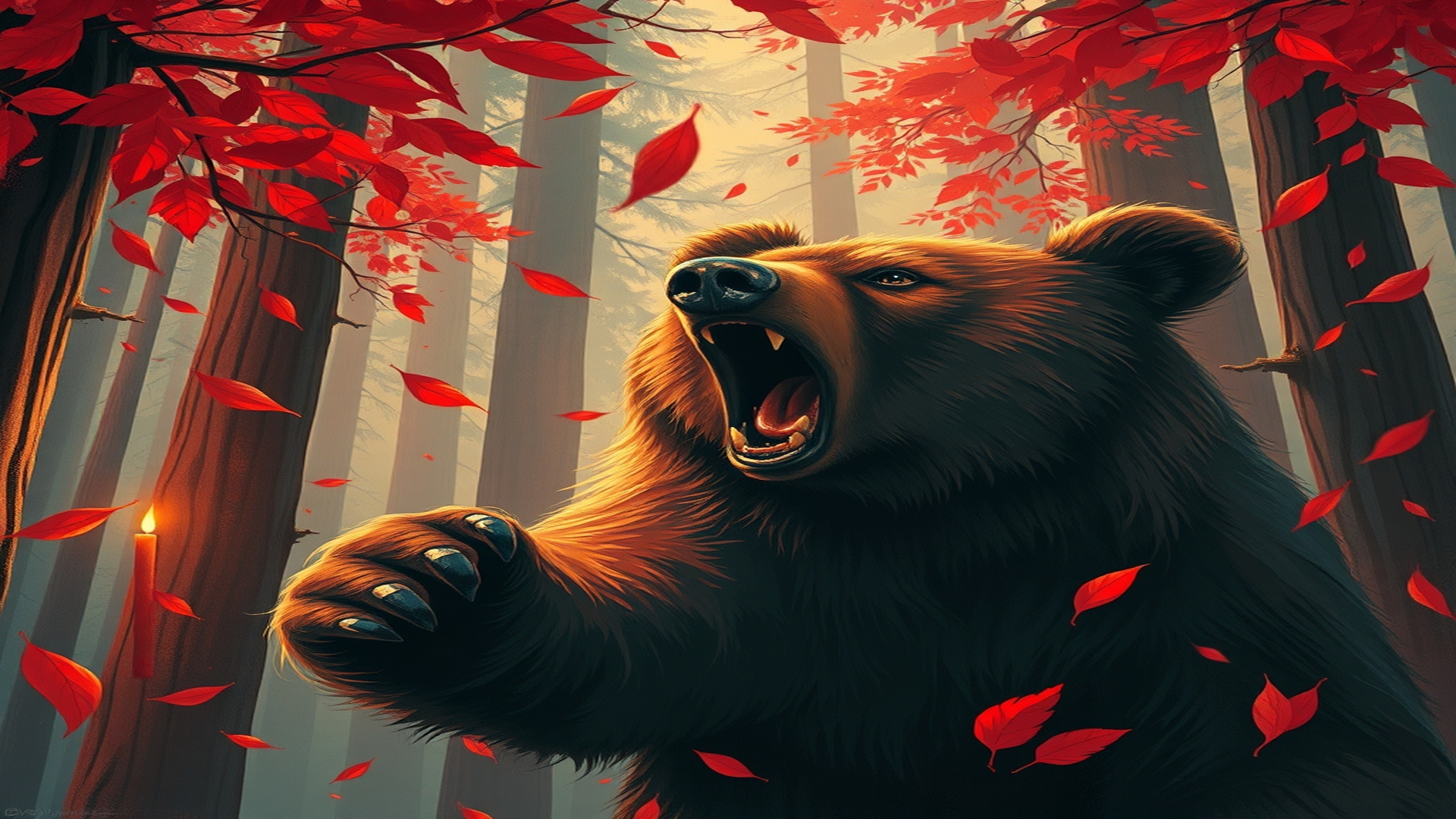
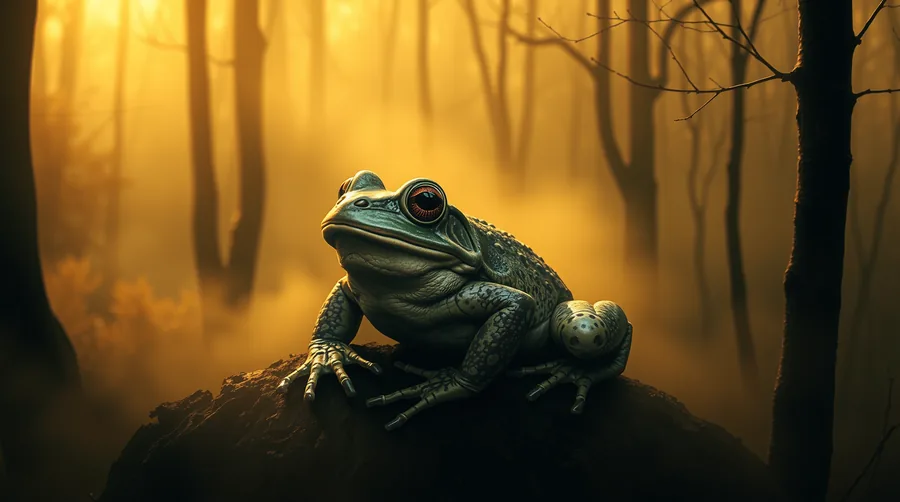
Autumn Bear · made with FrogPaper
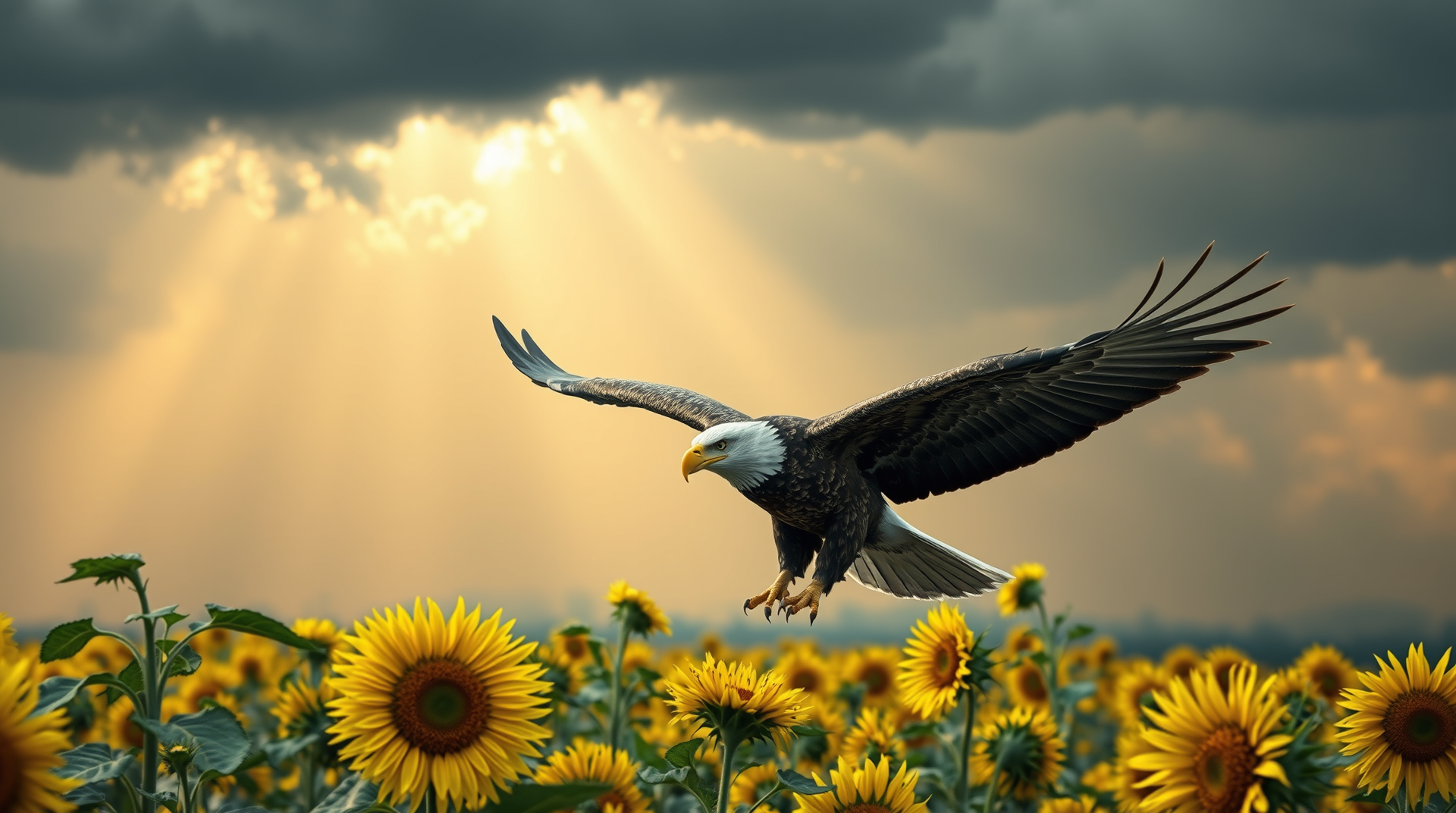
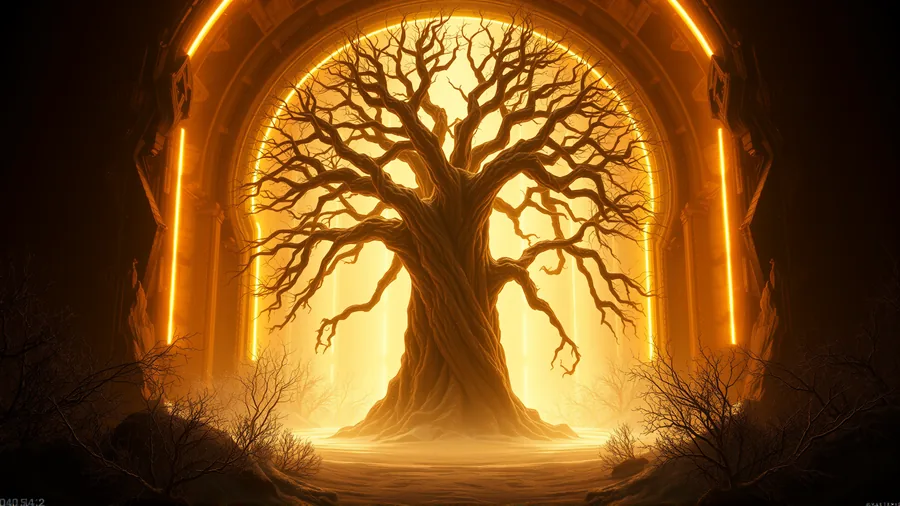
Sunflower Eagle · made with FrogPaper
One FrogPaper. Two ways to create.
The same cozy idea, built twice for the screen you are on. Both versions are free — pick the one that fits your day.
Your full desktop studio: six AI providers, 25 style filters, a fast gallery and optional cloud sync.
A phone-first studio: words in, wallpapers out. Generate, collect and rotate, with every wallpaper kept on your phone.
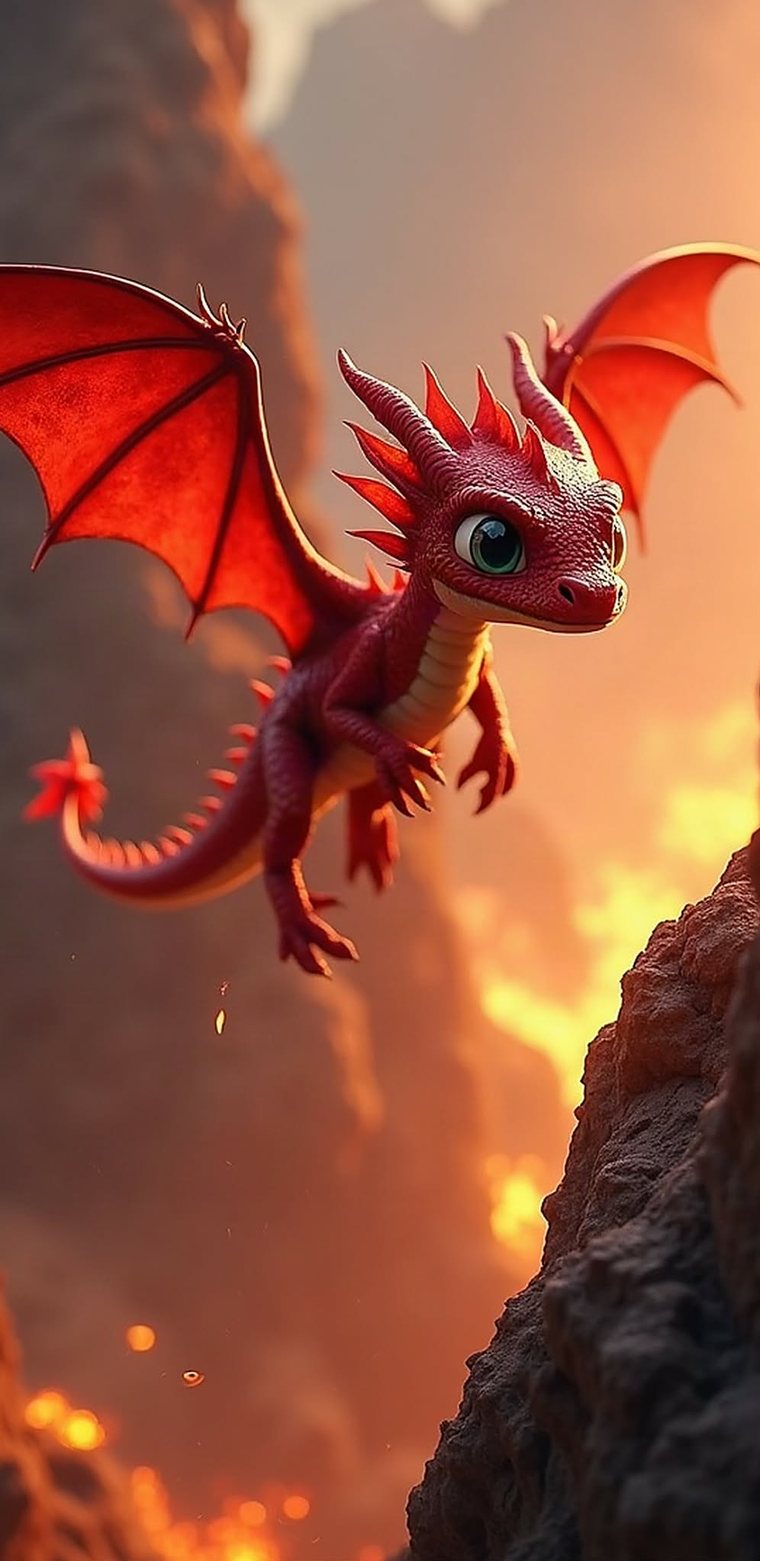
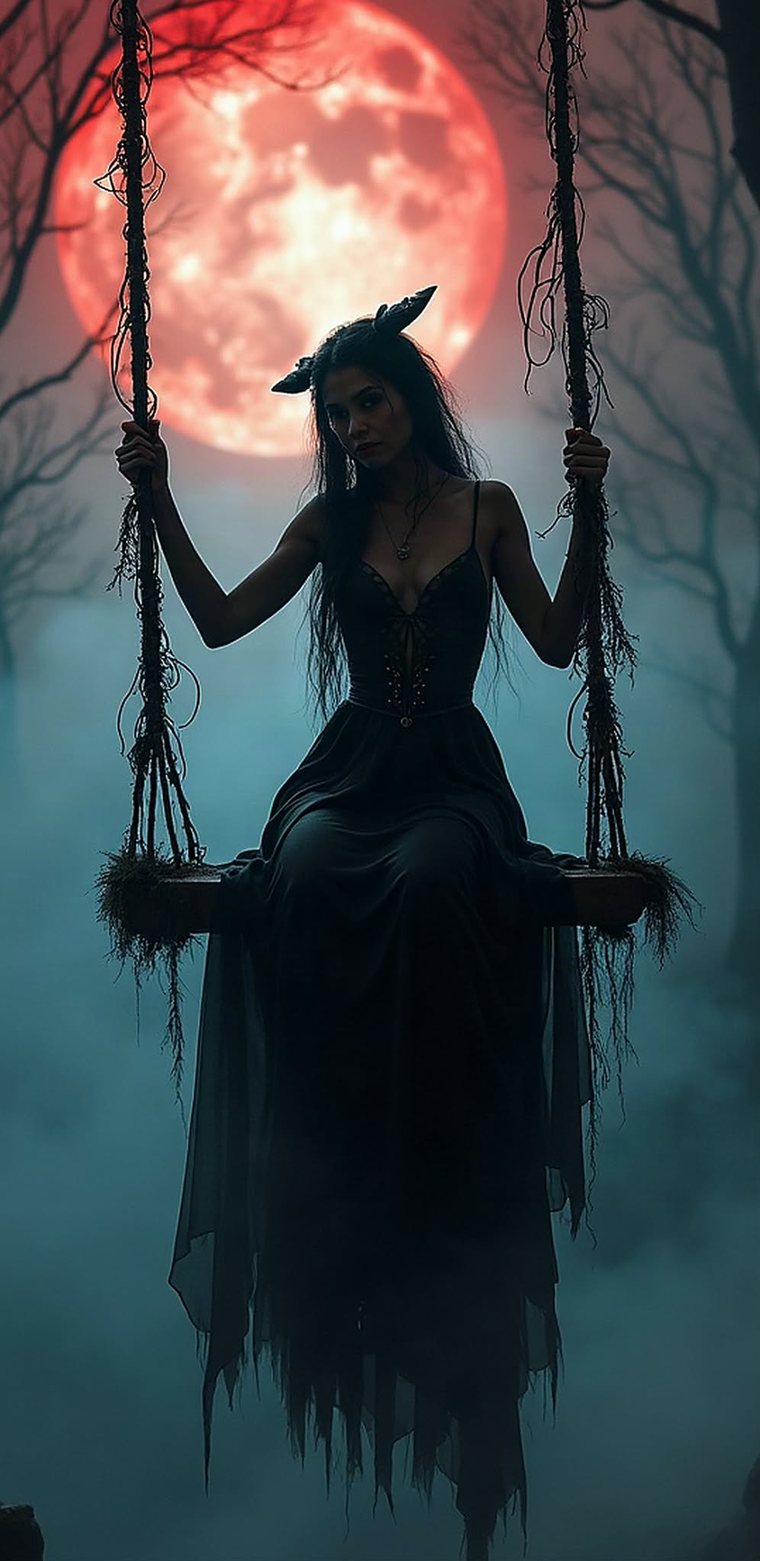
No account. No server. Wallpapers stay on your phone.
| Feature | Windows | Android |
|---|---|---|
| Best for | Desktop wallpaper studio | Quick phone wallpapers |
| Style filters | 25+ (Vintage, Cyberpunk, Watercolor, …) | Core generation tools |
| Cloud backup | Optional Google Drive, OneDrive, Dropbox | Local device storage |
| Accounts | None | None |
| Price | Free, open source | Free, open source |
Windows · The desktop studio
Generate, style, sort and sync a whole wallpaper library. The full studio for your PC — no browser, no server, just your desktop and your imagination.
No account required. Wallpapers stay on your PC. All Windows releases →
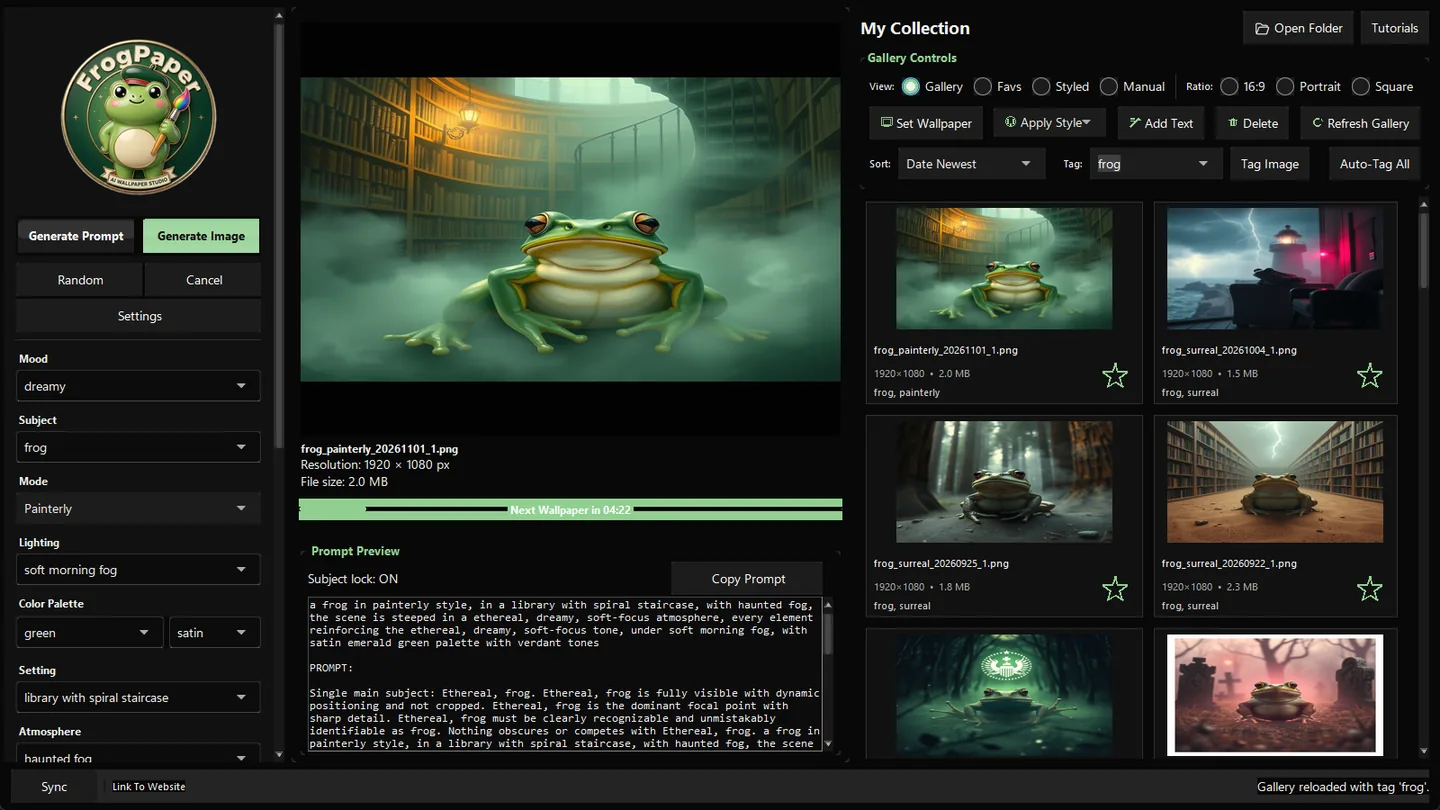
Pollinations (free), Cloudflare Workers AI (free), HuggingFace, Prodia, Replicate and Fal.ai. Switch in Settings and only the relevant key field and setup guide appear.
25 filters including Vintage, Cyberpunk, Watercolor, Comic Book and Oil Painting. Control size and seed, add text overlays, and star-pin your favourite subjects, moods and lighting.
Set and rotate your Windows wallpaper. Browse Gallery, Favorites, Manual and Styled views, use Ctrl+click for multi-select tagging, and navigate with the full keyboard.
Optional Google Drive full-folder sync, OneDrive integration and Dropbox auto-backup. Check backup downloads a sample to verify readability; restores compare file contents and skip duplicates.
Choose 16:9, portrait or square. When an engine only outputs 1024 × 1024, FrogPaper resizes to your target with lossless LANCZOS scaling.
API keys are never packed into the installer. Fresh installs use a clean template, and each build passes an automated secret scan before packaging.
Android · Your pocket studio
The same idea, rebuilt for your phone. Describe a wallpaper in a few words, or roll the dice for a surprise. No account, nothing to configure — every wallpaper stays on your device.
No account. No server. Wallpapers stay on your phone. All Android releases →
APK SHA-256 60047D2444DCB177C58CAC76BBF9C4804FADEC14735138A04D93C6073324B66C
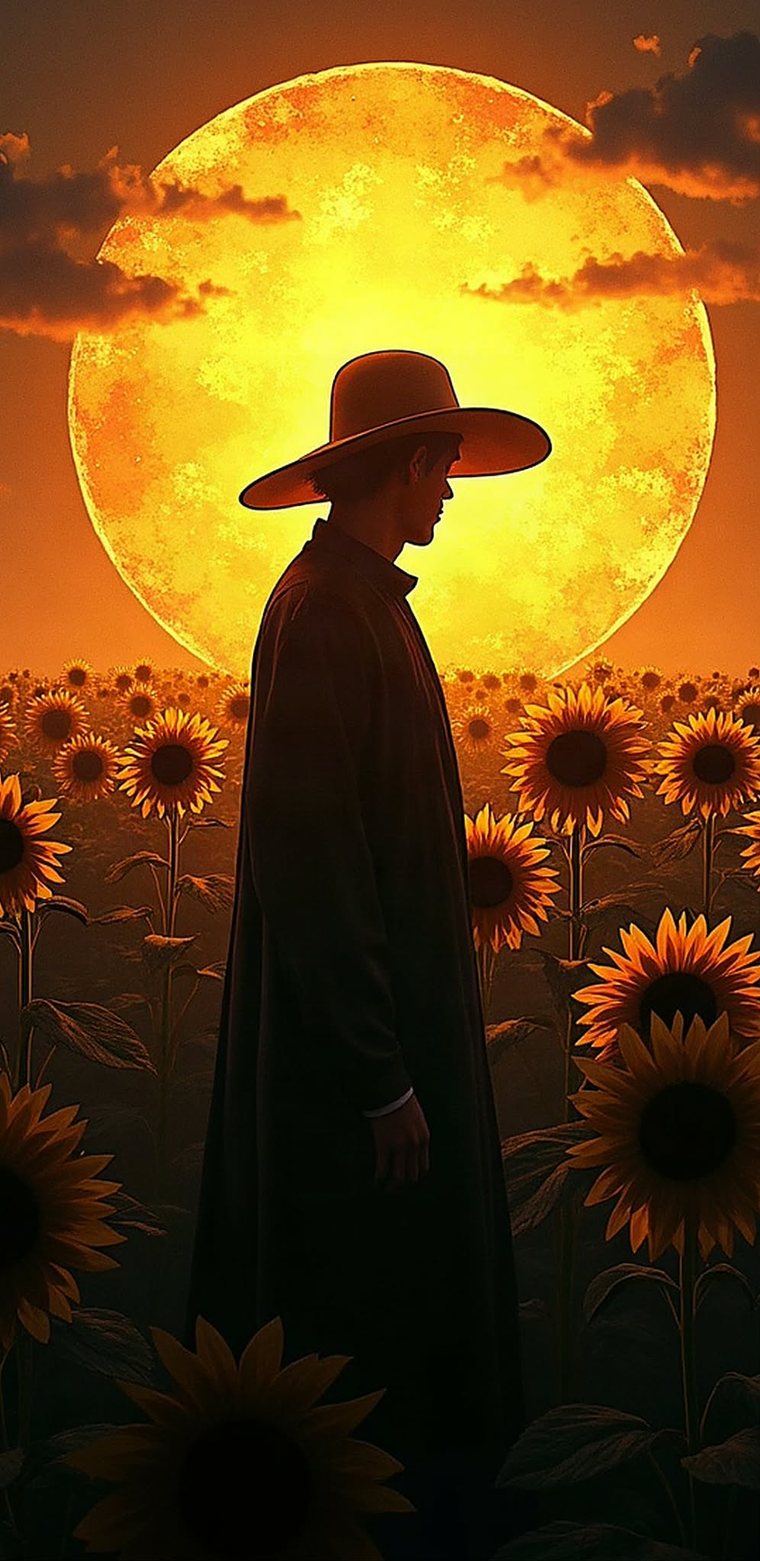
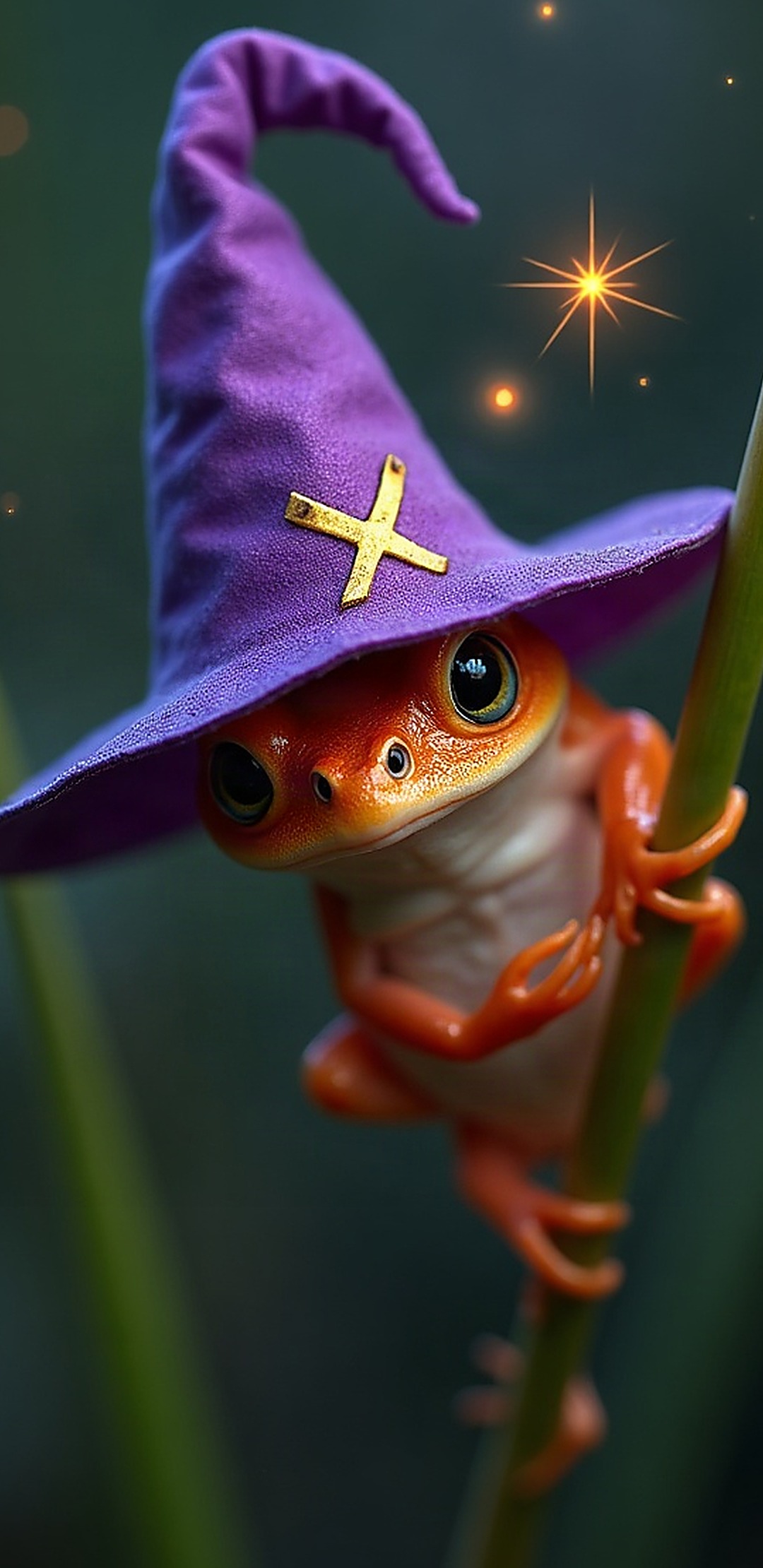
Two words can be enough. Shape your idea with the Build screen: subject, style, lighting, colour, mood and atmosphere — or tap the dice for a surprise.
Four bottom tabs — Home, Generate, Gallery and Settings — keep the daily screens close. Home tells you when a new release is available, and every image says which engine made it.
Star favourites, search by prompt, sort and filter. Long-press an image to set, save, share or delete it, with a five-second undo if you change your mind.
Rotate on every open or once a day using the engine you picked. If a run fails, the app tells you when it will retry; Settings remembers the last change.
Wallpapers are saved on your device, never on a server. There is no account to make, nothing is uploaded anywhere, and your saved copies work offline.
A free engine is selected by default, with no key needed to begin. Bring your own key if you prefer another engine; tap a greyed-out engine to see how to set it up.
Download stuck near 100%? Open this page in Chrome or choose Open in browser from the in-app browser menu, then try again.
Every FrogPaper APK is a signed release build. To confirm your copy is the official file, check its SHA-256 checksum against the one listed above (and on the release page). On most phones you can use a checksum app from the Play Store; on a computer, open a terminal and run:
# Navigate to the folder where you downloaded the APK, then:
sha256sum FrogPaper-release-signed.apk
The output should match 60047D2444DCB177C58CAC76BBF9C4804FADEC14735138A04D93C6073324B66C. If it does not, do not install the file — download it again from the official FrogPaper Android releases page. Android also shows the package name (com.frogpaper.mobile) and signer before install; the signer should read FrogPaper.
Community gallery · Windows
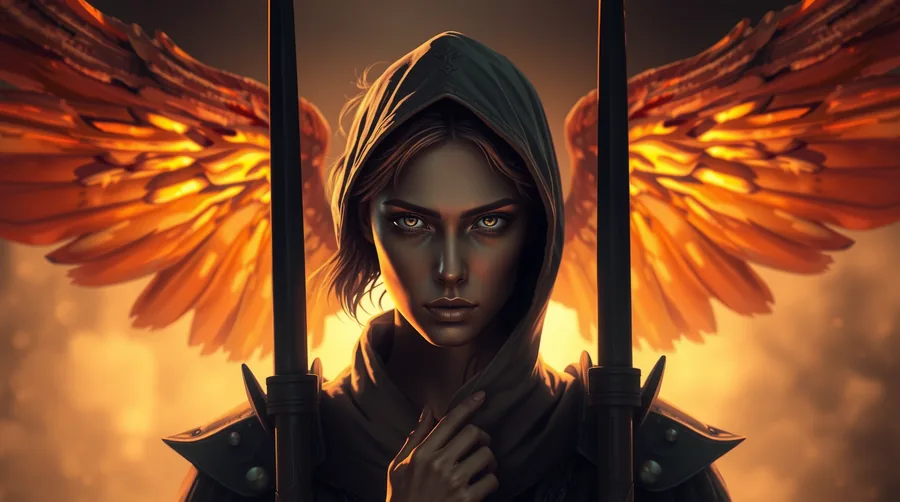
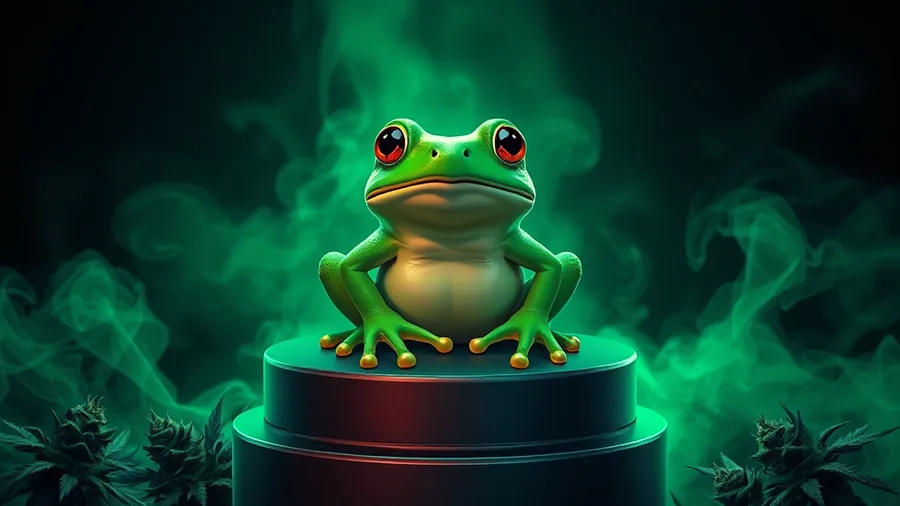
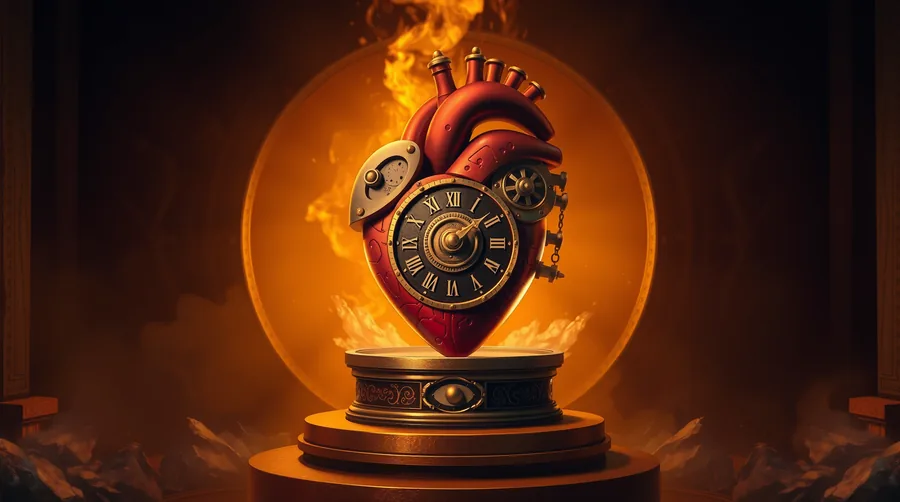
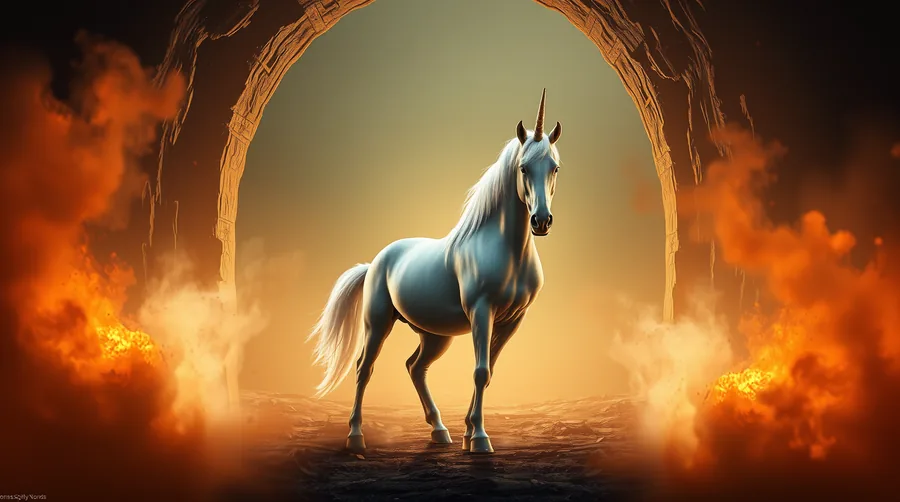
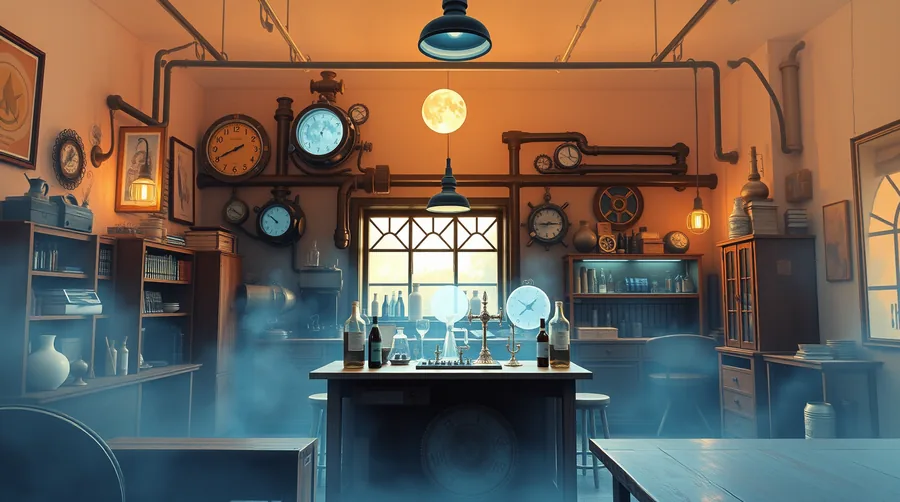
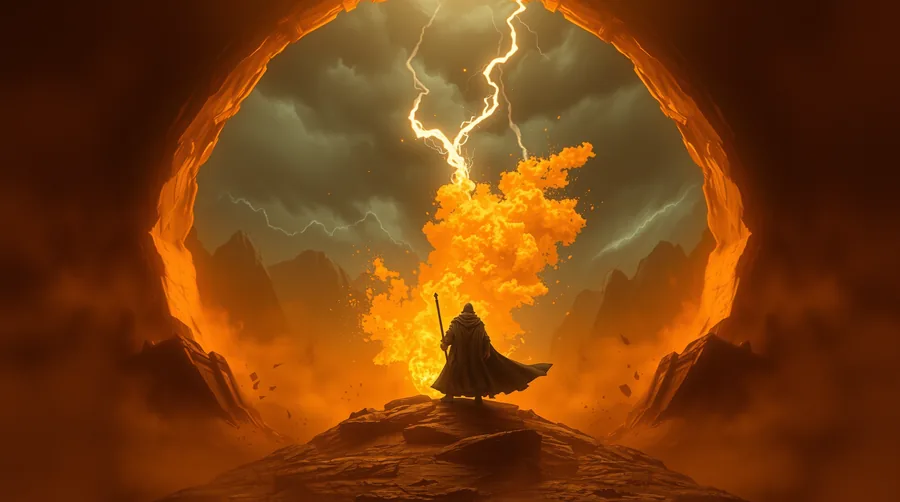
A selection of desktop wallpapers, generated, styled and saved with the Windows studio.
Community gallery · Android
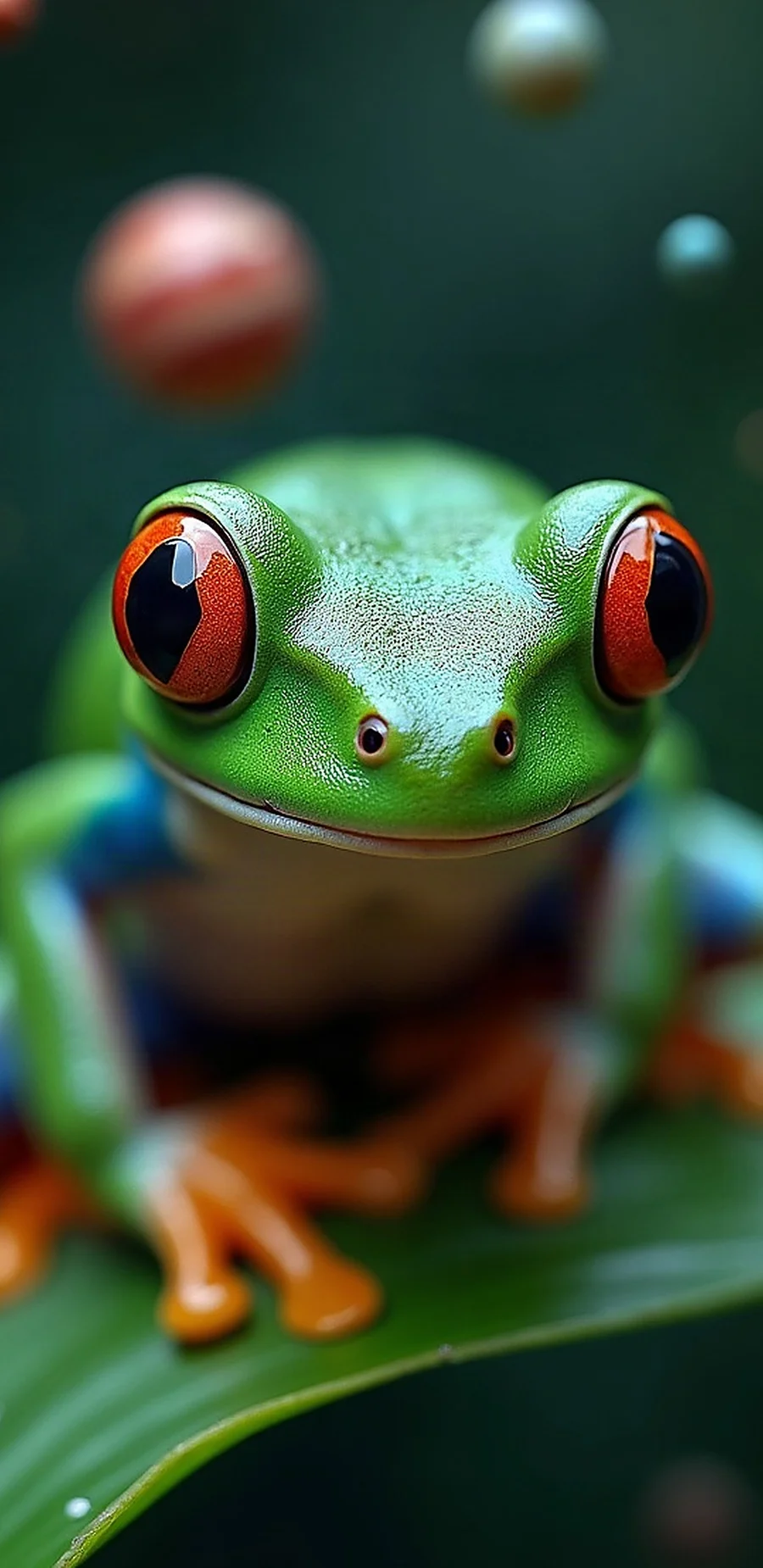
Straight off the phone. Every image was generated, starred and saved with FrogPaper Mobile.
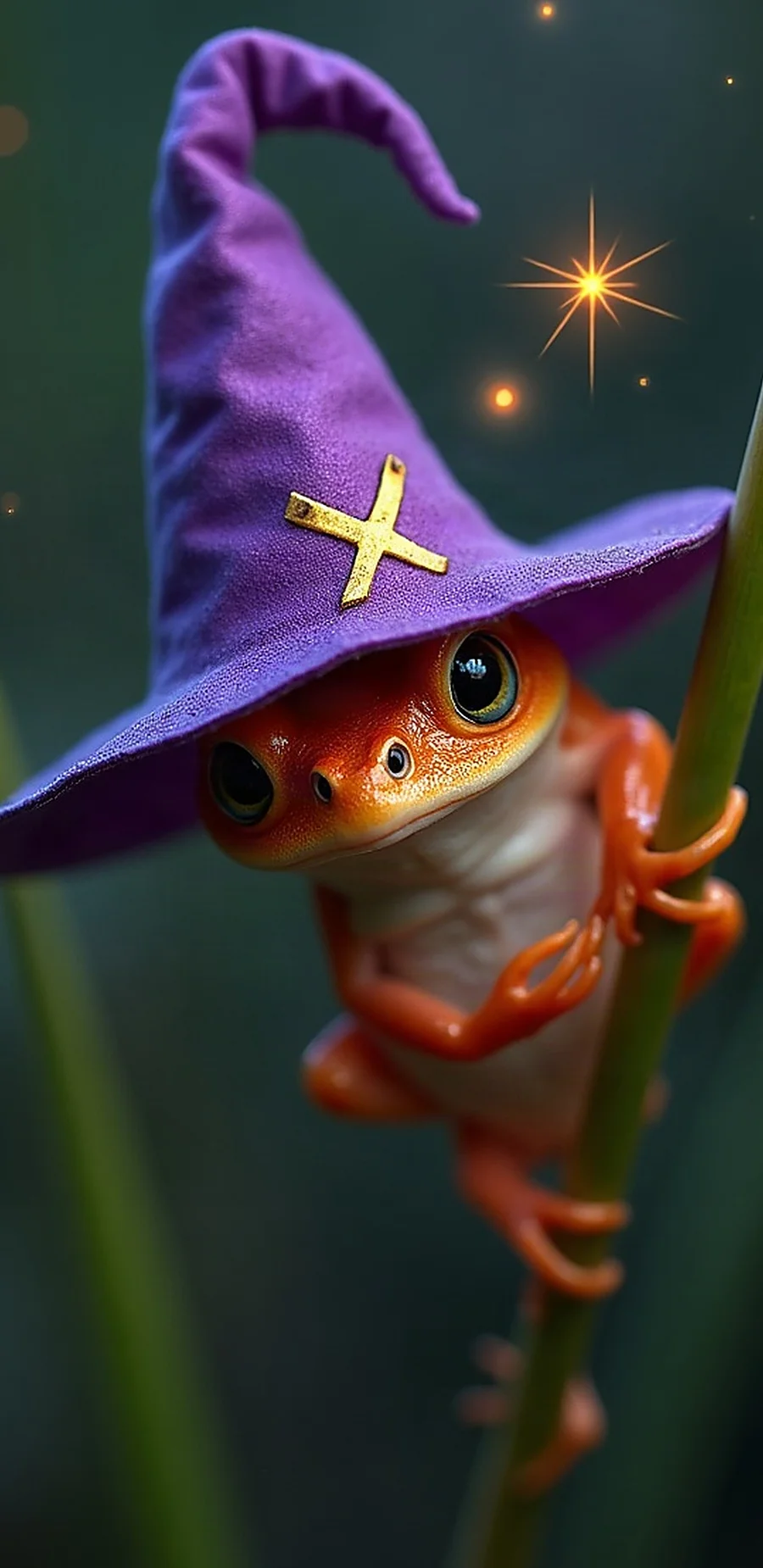
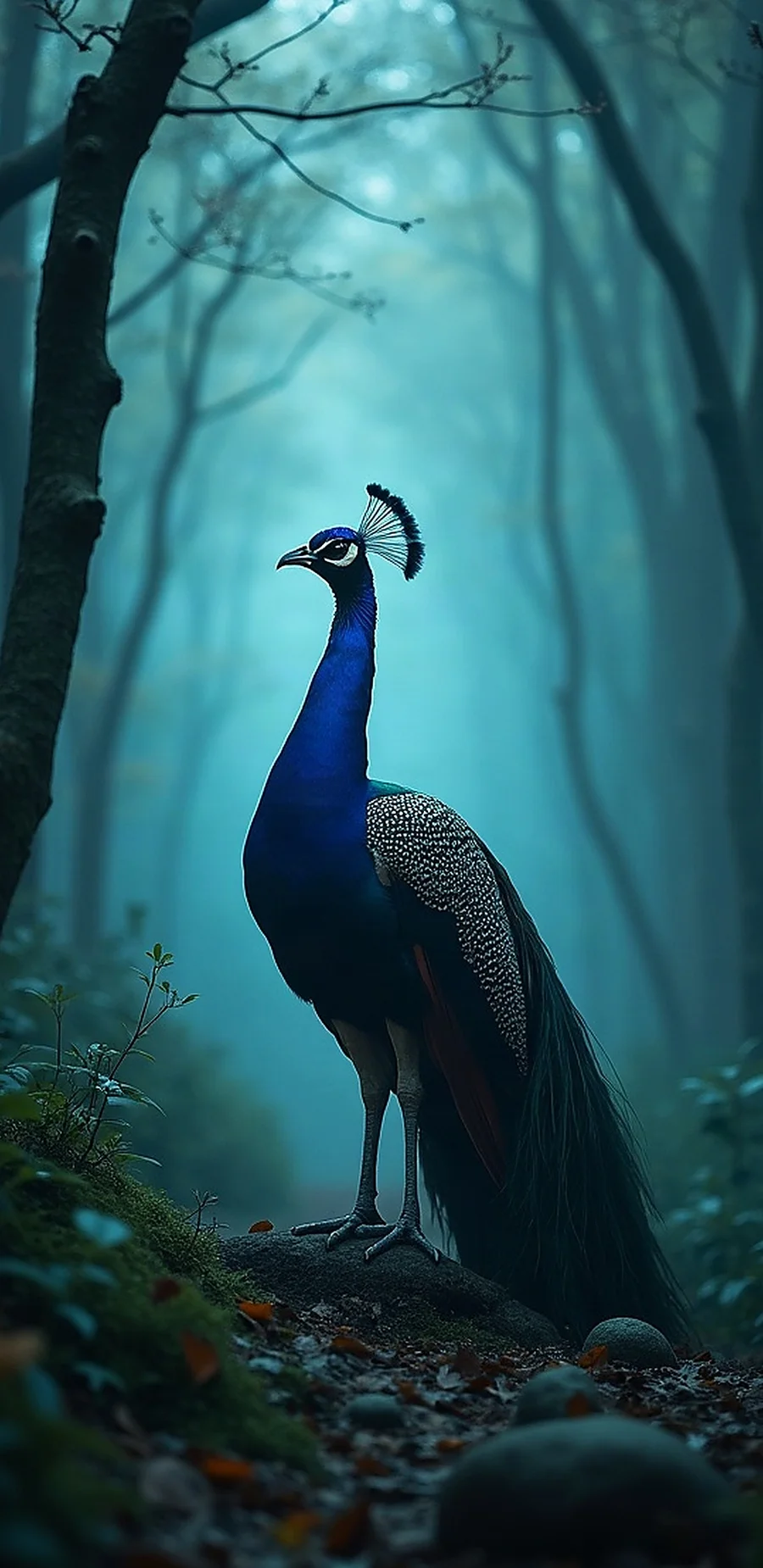
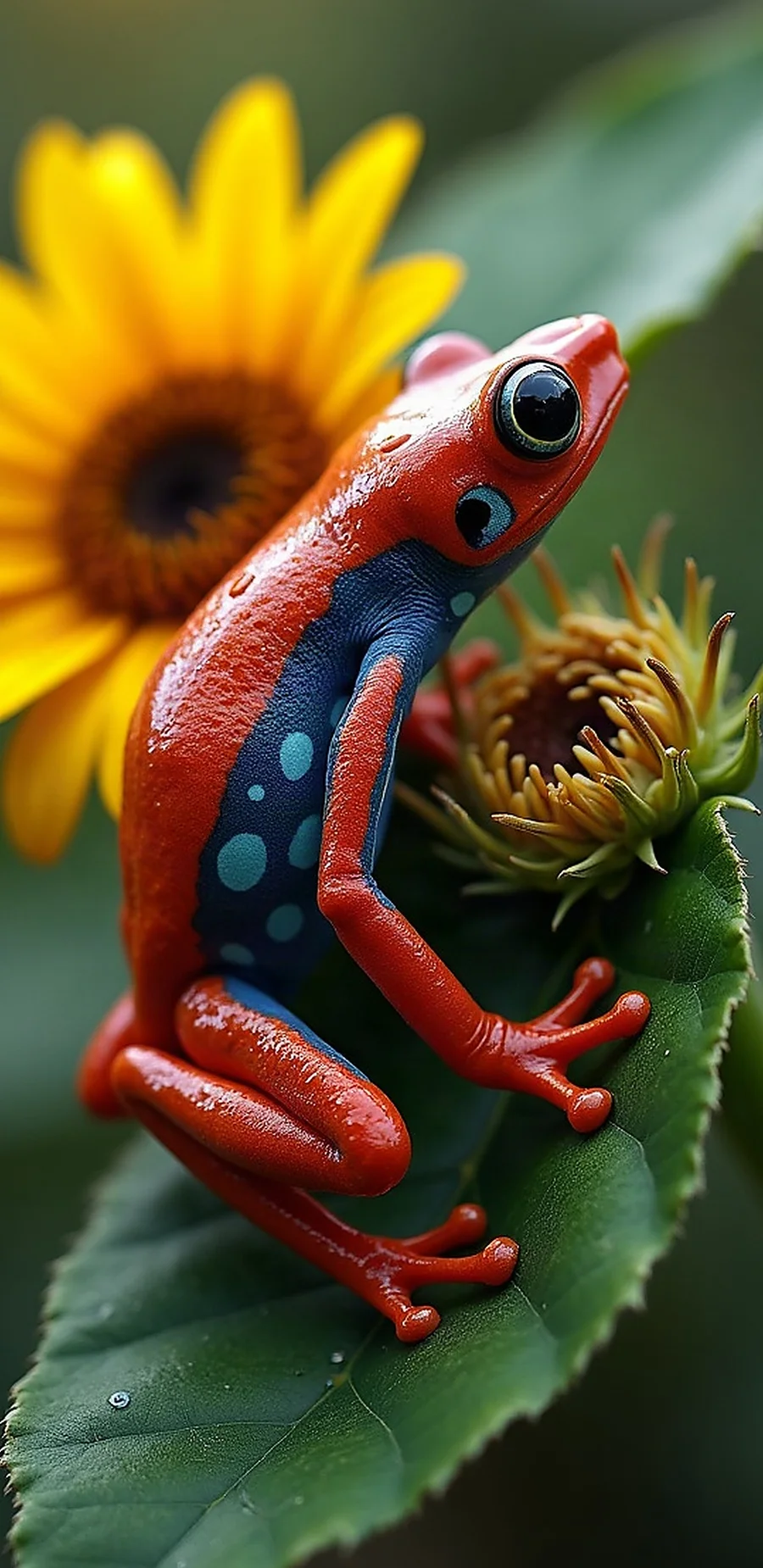
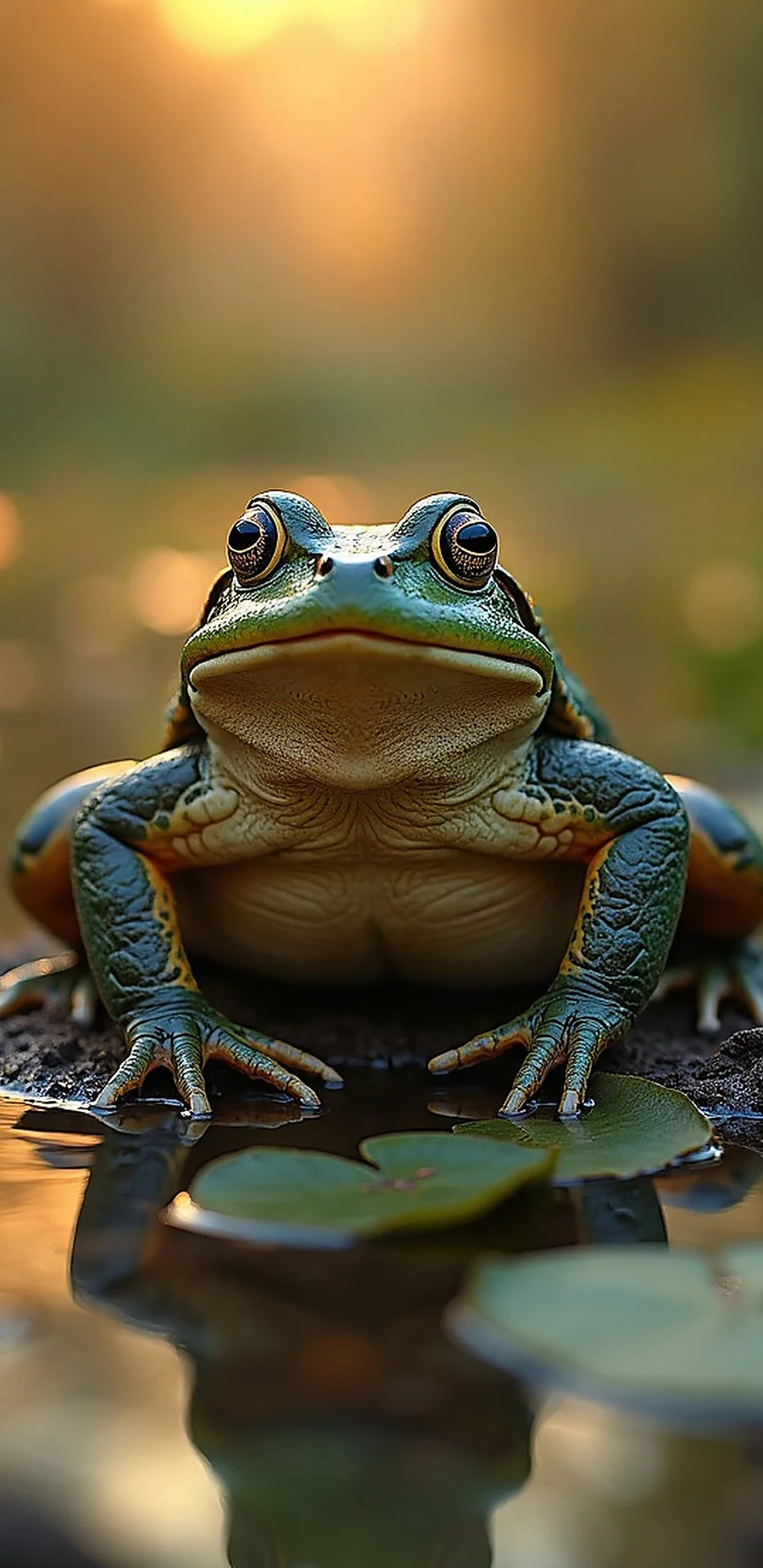
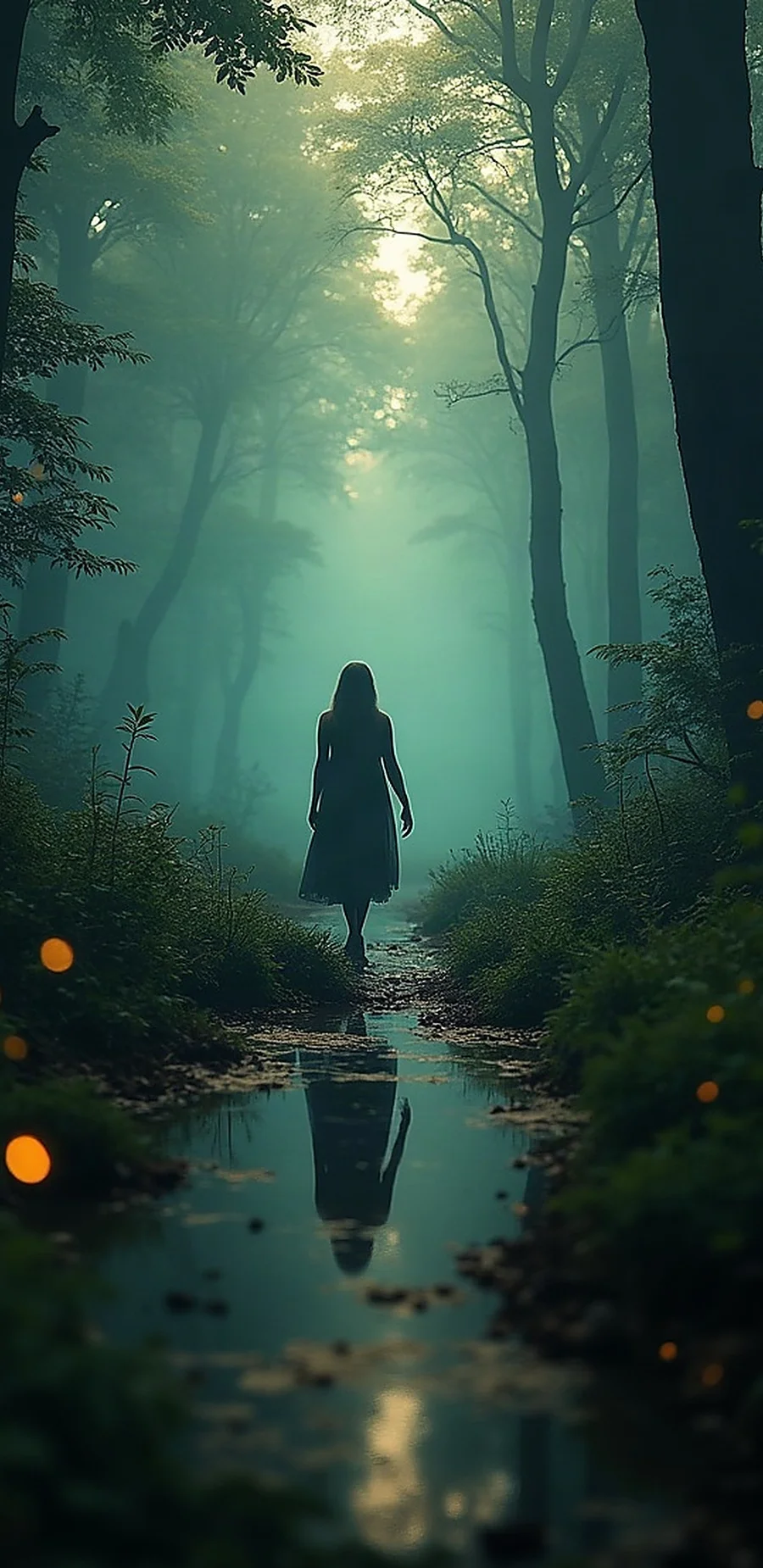
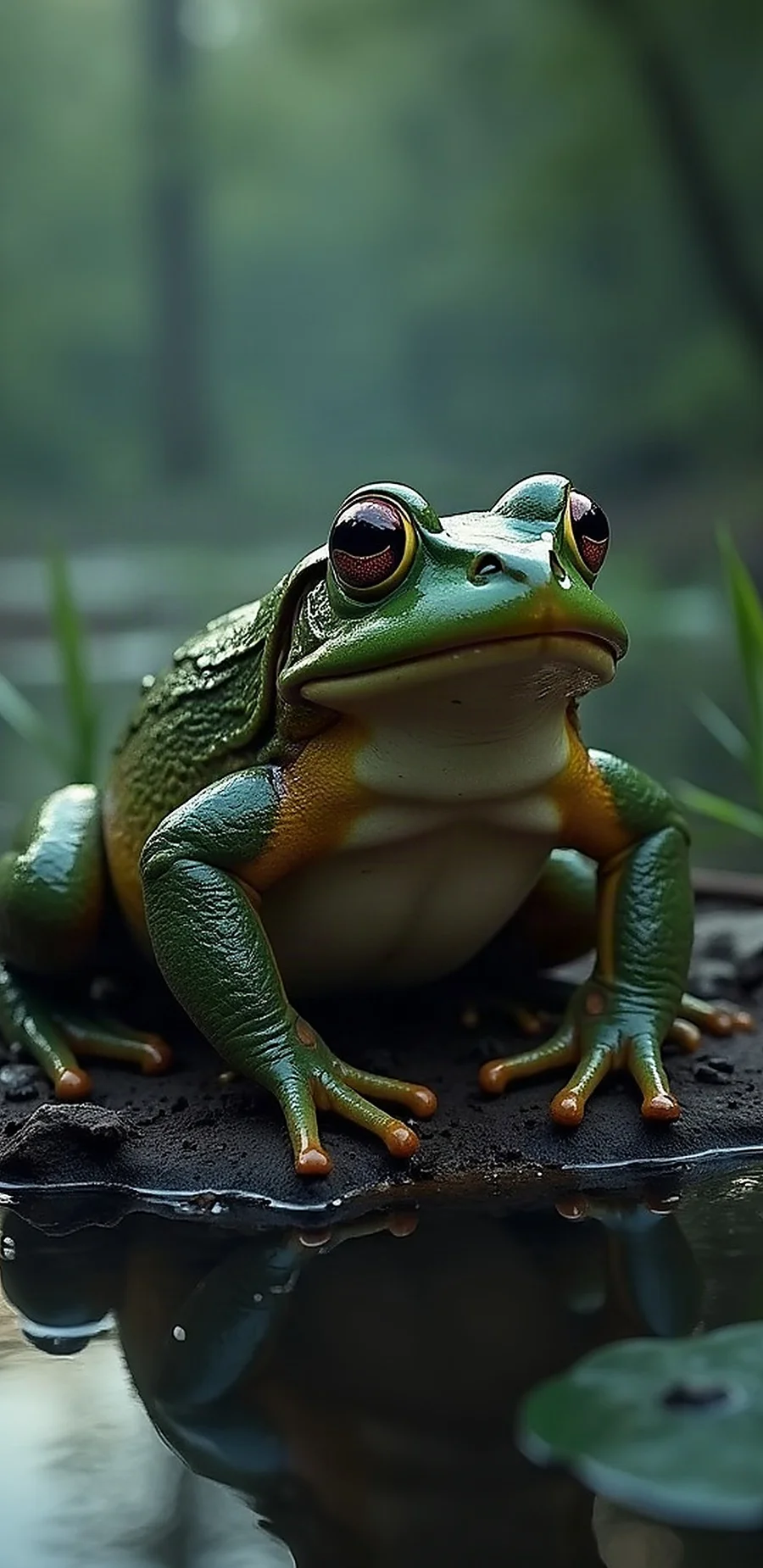
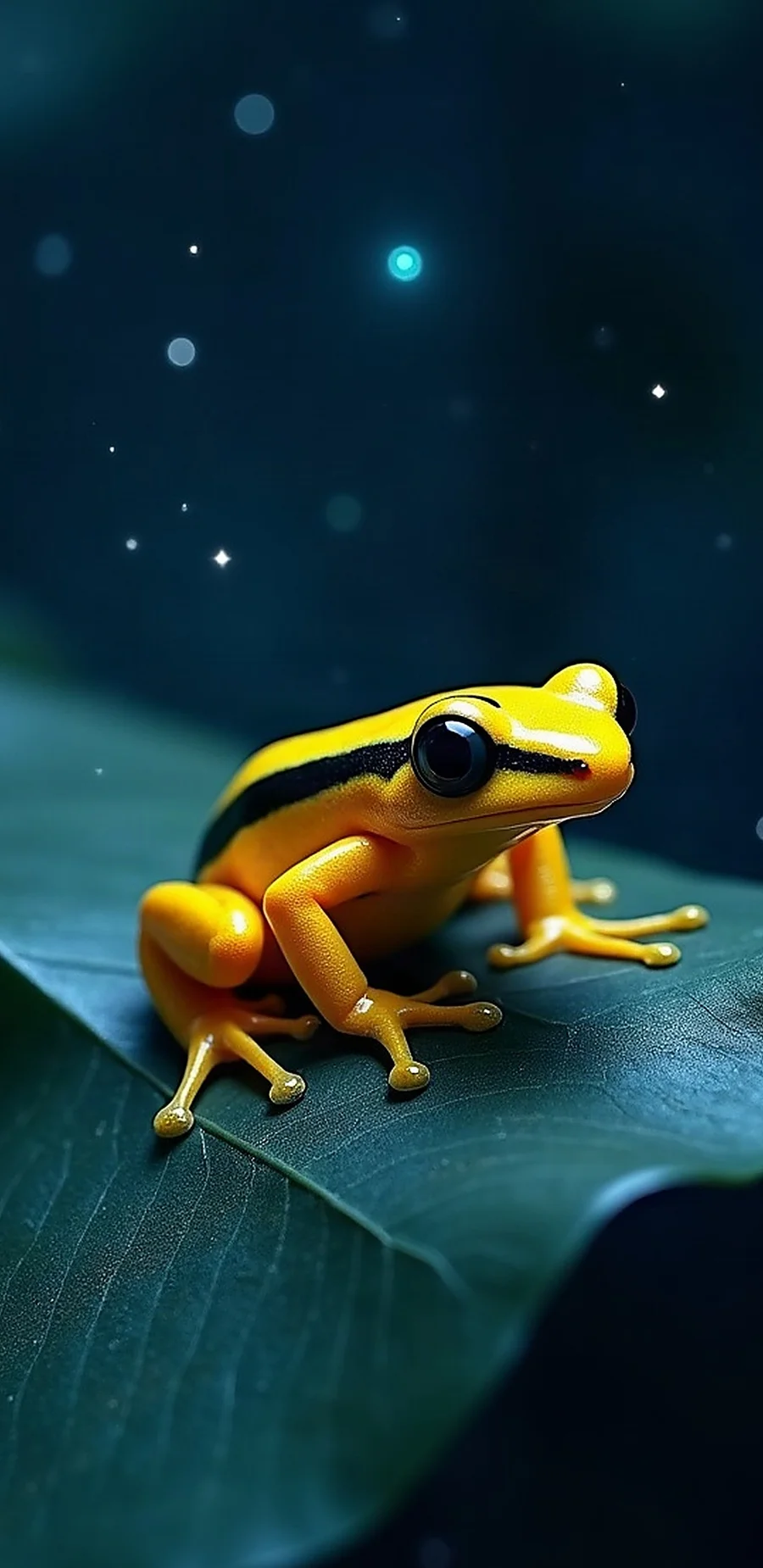
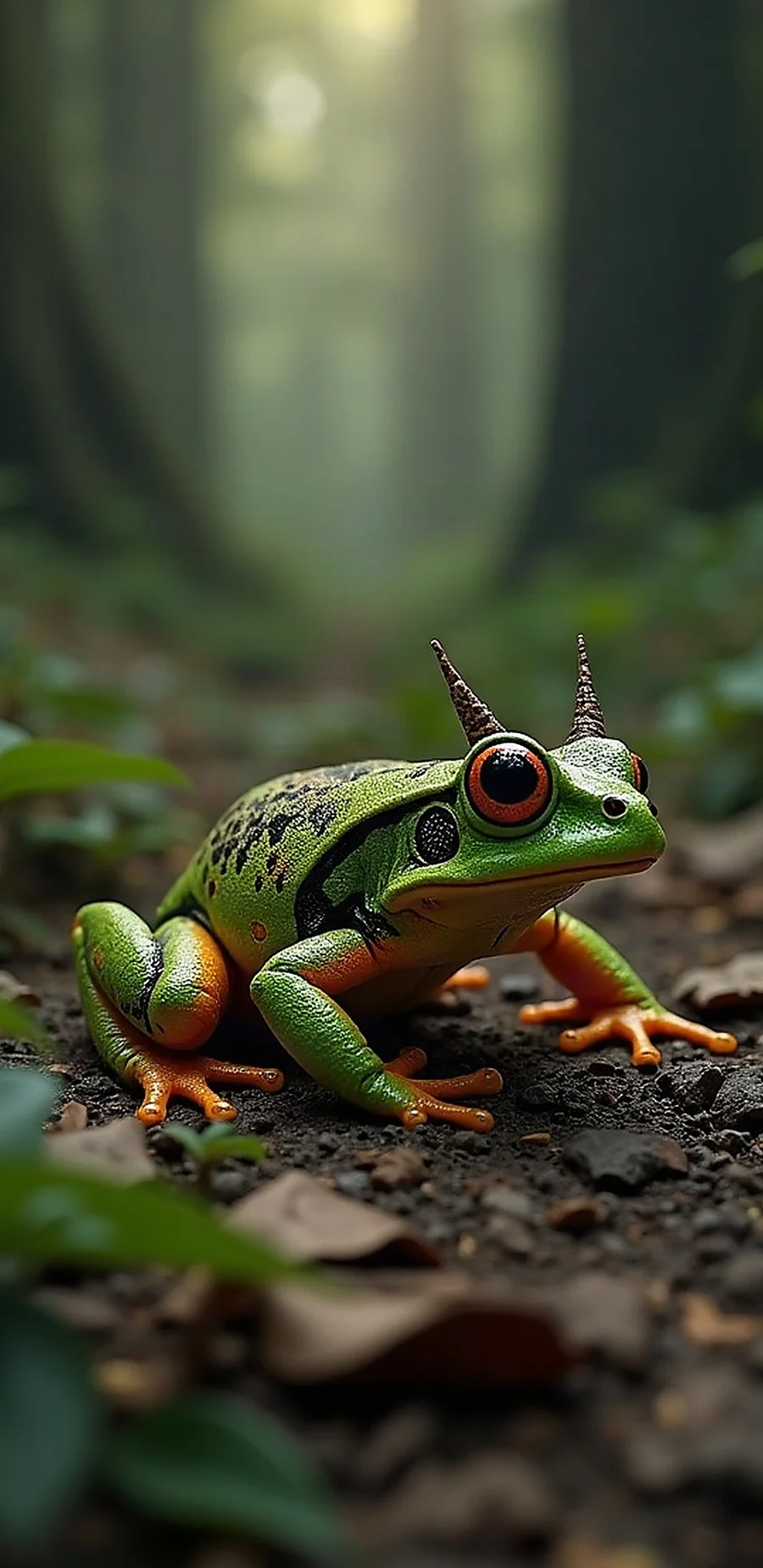
Different screens. Same creative spirit.
One FrogPaper, built thoughtfully for two platforms. Windows adds a full desktop toolkit and optional cloud sync; Android keeps your collection local to your phone.
Turn an idea into a wallpaper with AI. Pick your engine, shape the result with a structured prompt builder, and keep the images you love in a personal gallery you can browse and search.
Set a new wallpaper and let rotation keep your screen feeling fresh. Saved copies stay on your device, so your gallery keeps working without a connection.
No account, no FrogPaper server, nothing uploaded. Both apps are free and open source, with free generation options and optional provider keys for more engines.
Add subject, style, mood and composition details. Pin the favourites you return to so they are always one click away.
Generate your image, then on Windows apply one of 25 style filters — from Watercolor to Cyberpunk — in a single click.
Set it with one click. Rotate your collection automatically, and on Windows enable optional cloud backup.
Browser-based AI tools generate images, while traditional wallpaper apps typically offer rotation, offline viewing and gallery management. FrogPaper brings those worlds together: AI generation, a personal gallery, automatic wallpapers and free, open-source software. The Windows studio adds 25 style filters and cloud sync.
A helping hand
Photo Sorter is a free companion web app from the same developer. Swipe right to keep, left to delete, or down for maybe. Drop in hundreds of images from your FrogPaper gallery or anywhere else and clear the backlog without File Explorer or dialogs. No install or account; works in your browser on any device with JPG, PNG and WebP.
Free · Web · From the maker of FrogPaper
Keep
Release notes
A festive theme you opt into, a new face for the whole app, dropdowns that filter and remember, and a Hugging Face provider that works again — plus a long list of bugs that no longer happen.
Christmas — Blush Light: blush snow panels, cranberry buttons and holly-green selections, with every colour checked for readability. Both Christmas themes are opt-in — the app never repaints itself, and an edition build only fills settings you left blank.
The circular badge replaces the old frog-on-a-monitor logo everywhere: sidebar, tray, taskbar, exe icon, shortcuts, installer, splash screen and this site. Taskbar sizes use the frog's face, because the arched lettering turns to mush that small.
Every list has a type-to-filter box and a recently-used row. The dice deals every option once before repeating, and remembers where it stopped across restarts — 89 clicks now cover all 89 subjects instead of 61.
It was calling a host that no longer exists. It now uses the router, generates square (its free queue drops wide requests), and explains the difference between a bad token, a missing permission and an exhausted plan. Read-only fine-grained tokens need “Make calls to Inference Providers”.
Mood no longer breaks the subject phrase: every mood was expanded into a comma chain and handed to the anchor, so prompts opened with “Grand, frog”. Frogs also stay out of prompts when the Frog Dial is off — three separate leaks are closed.
v1.8.0 rebuilt the artistic filters: Oil Painting, Watercolour, Gouache, Impressionist and 3D Render run through a Kuwahara renderer, Line Art stopped flooding black, and Art Deco, Noir B&W and Pop Art were repaired.
Your data lives in %LOCALAPPDATA%\FrogPaper, so rebuilds and uninstalls never touch your wallpapers, tags or favourites — and a config that cannot be read is never overwritten with an empty one.
Installer SHA-256: 6DB19533821D85980225B4983E2A85CE52E8A03EDA1763BCC03777DBE7E187F5
A helping hand
Yes. Both apps are free and open source. The Windows installer and Android APK cost nothing; optional AI providers may have their own free tiers or paid keys.
No. There is no FrogPaper account to create and no FrogPaper server in the middle. Windows keeps your library on your PC; Android keeps every wallpaper on your phone.
On Windows, wallpapers live in your library on your PC, with optional backup to Google Drive, OneDrive or Dropbox. On Android, wallpapers are saved on the device and nothing is uploaded anywhere.
Download the latest installer and run it over your existing install. That's it. From source, extract the update zip over your project folder and allow replacing all files.
Hugging Face needs one extra permission before a token may generate images. If you created a fine-grained token, edit it at huggingface.co/settings/tokens and tick “Make calls to Inference Providers”; a classic Read token works as-is. Without that permission the token signs in perfectly but every image is refused — that is Hugging Face's rule, not a FrogPaper fault, and the app now says so instead of blaming your plan. Note that this provider generates square images (1024×1024): its free queue drops wide requests, and your size setting returns when you switch to another provider.
Yes. It works offline from the copies on your phone, and automatic wallpapers use the engine you picked. If a run fails, the app tells you when it will retry.
No. Upgrading never touches your data: wallpapers, the gallery with its tags, pinned favorites, presets, your config and cloud connections all carry over untouched.
No. Your provider choice, API keys and settings load exactly as they were.
Open Cloud & Backup and run “Check backup…” — it downloads a sample and confirms every image is readable. Then run a sync twice: the second pass should report 0 added and upload nothing.
No. Restore checks the content of every file against the images already in your library and skips anything it already has, so the same picture will not appear twice.
The backup check names the files it cannot read instead of failing generically. Run it again after a sync; anything still unreadable is reported by name so you can deal with that one file.
v1.9.0 adds a light Christmas theme and a new logo, both of which you opt into — nothing changes your current theme for you. The rest of the work is behind the scenes: repaired dropdown lists, a fair randomiser, a prompt-anchor fix, and Hugging Face working again.
Yes — earlier builds contained a hard-coded “frog bias” that could occasionally add a frog cameo to blank-subject images. It was fully removed in v1.6.1, and frogs are now controlled by the Frog Sneak setting (Settings → Generation). Set it to off if you would rather they never appear; images you already have are untouched.
Free & open source
One cozy studio, two screens. Start with a few words and see where your imagination hops.
No account required. Wallpapers stay on your device. Trouble downloading? Use the Windows releases or Android releases page on GitHub.
Android APK: No account. No server. Wallpapers stay on your phone. Verify download · Source · License · Releases